



Betnella Mobile Access
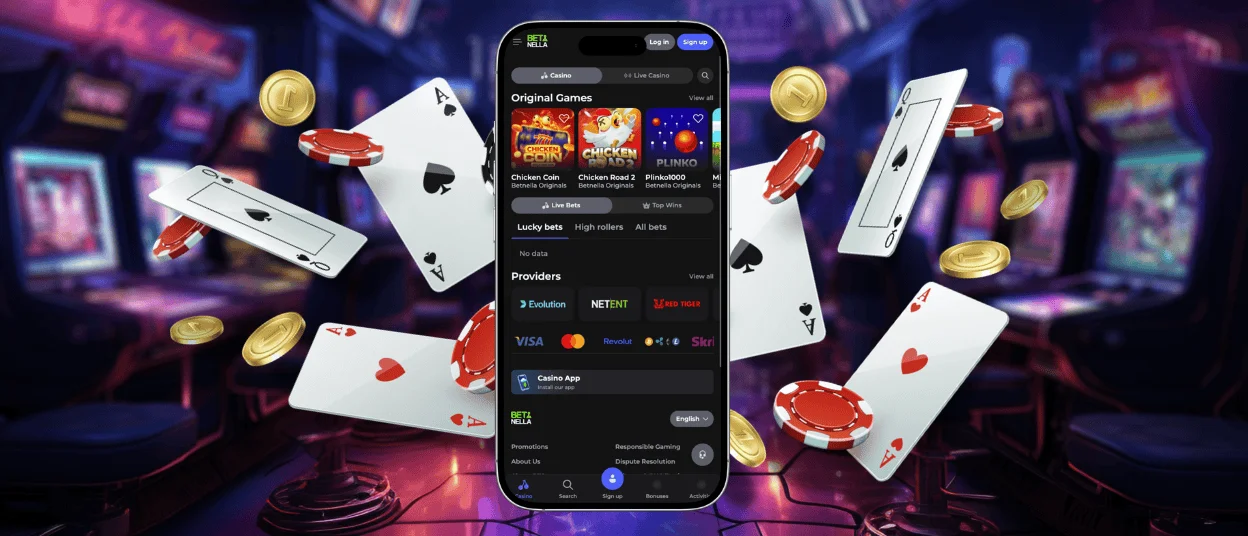
Users who prefer a more comfortable experience can try the Betnella app. Our PWA lets you keep the familiar website design but offers an optimized interface free of unnecessary browser elements. You can install the application on your smartphone, tablet or computer – and all from one universal version.



Using Betnella on Mobile
The fact that only a third of Betnella Casino users play on desktop computers is a telling statistic. Our players continue to switch to mobile phones because they offer many advantages.
- Accessibility anywhere – Our application doesn’t tie you to a single device or a specific location. In the mobile casino, you can play wherever and whenever you want.
- Push notifications – Since your mobile phone is always at hand, it’s harder to miss important information about our updates or your user status.
- Secure login – Many mobile devices support Face ID and Touch ID. This means that logging into Betnella Casino can be even safer.
- Comfort for short sessions – You can open the Bet Nella app in a second, so it’s perfect if you’re planning to play just one round.
What’s more, when you use the Betnella app on your mobile phone, you get the feel of a native application that launches with a tap on the home screen shortcut.
Betnella App for Android
The Betnella app is available for users of the most popular operating system – Android. Installing it is very easy. To do so, you need to:
- Open our website on your smartphone or tablet
- Tap the “Casino App” icon
- Select the “Add to Home Screen” button
- Wait for the installation to finish and log in through the app
Thanks to this simple process, you’ll be able to launch the Betnella Casino platform with just one tap.
PWA vs. Native App
When we were choosing a format for the Betnella app, we decided to go with a PWA – and it was the right approach. After all, it offers advantages not only because of its simple installation but also in other ways:
| Criteria | PWA | APK |
| What it is | A web application that runs in the browser | An installation package for a native Android app |
| Installation | Via browser (“Add to Home Screen”) | Via Google Play |
| App size | Very small (up to 5 MB) | Can take up hundreds of MB |
| User entry barrier | Minimal | Higher |
| Updates | Automatic on launch | Manual – users need to download a new version |
| Bug fix deployment | Instant (single codebase) | Slower – requires publishing an update |
| Offline support | Partial | Full offline support |
| Device availability | Works across all major operating systems | Does not work on iOS, Windows or macOS |
| Support for older devices | Strong | May require newer Android versions |
So, as an Android user, you will get a lightweight app on your device that doesn’t take up much storage space but is functionally no different from native mobile software.
Betnella App for iOS
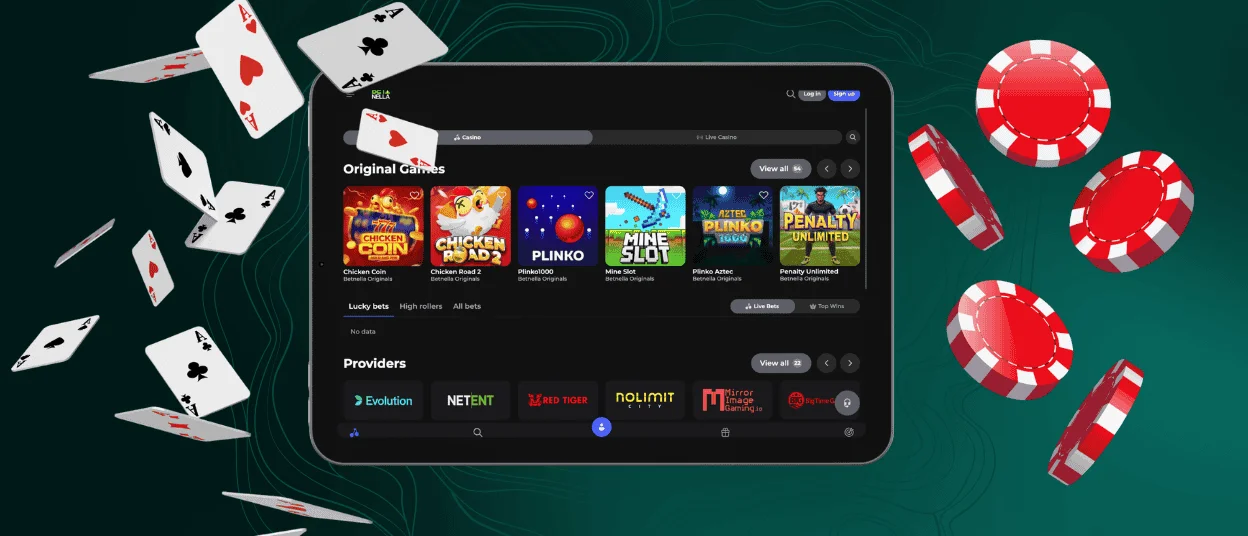
One of the advantages of our application is that you can download the same version for either iOS or Android. And the installation process is the same: to get the Bet Nella app on your iPhone or iPad, you just need to tap the icon that says “Casino App” and then the “Install” button.
All updates here are also automatic. So, to play the latest collection of games or use new features, you don’t need to download a separate version from the App Store.
What’s more, the Betnella Casino app uses a service worker, which caches pages and stores data locally. This means that you can load some sections on your iPhone or iPad even without an internet connection.
Desktop Applications for Windows and macOS
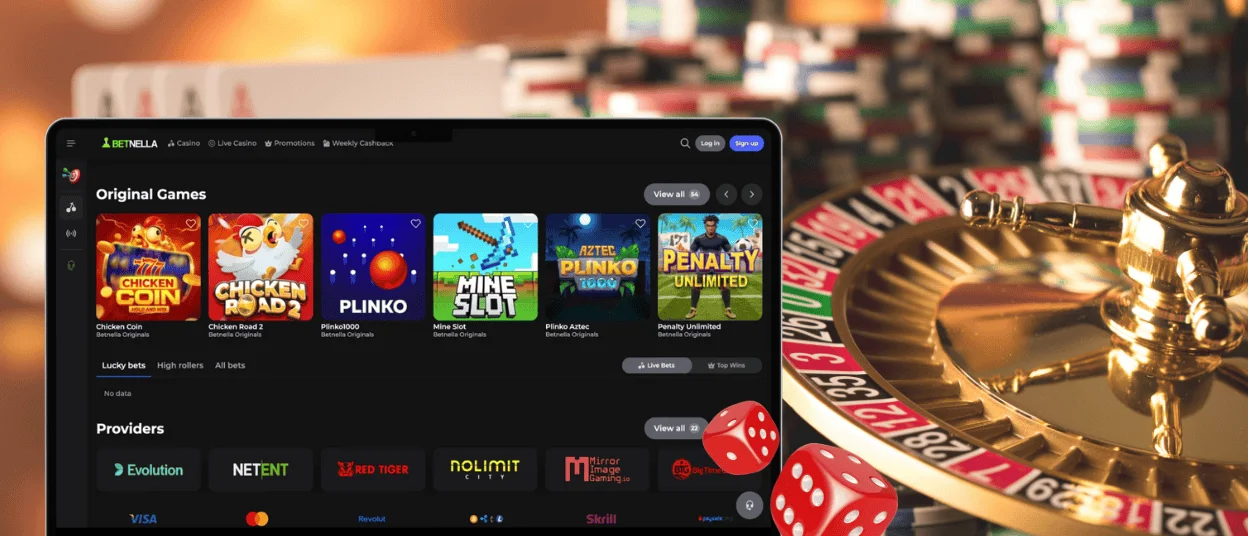
Unlike many other applications that are only available for mobile devices, the Bet Nella app can also be installed as a desktop solution. It automatically adapts to the screen sizes of different computers, so our interface will display perfectly at 1280px, 1440px+ and other resolutions.
Our PWA works perfectly with the limitations of Windows and macOS, and thanks to its lightweight design, you won’t even notice it on your device. But the main advantage of launching the Betnella Casino platform via our app on a desktop is its optimized interface: the new design completely removes the address bar and other browser elements, so you can use it as a standalone program.
FAQ
Where can I read reviews for the app?
You can find out what real users think about our PWA in the app card. Just click on the mobile phone icon on our website, and there you’ll find tens of thousands of ratings, as well as reviews from Betnella Casino players who have already installed it on their devices.
Should I contact Bet Nella Casino support to update the app?
Our solution updates automatically, so you don’t need to take any additional steps. But you can contact our support team via live chat through the app if necessary. For example, you can ask about the verification process.
Do I need to worry about slow speeds when playing live games in the PWA?
Our app not only provides the same gaming experience but also makes it significantly better. So, the live casino runs just as well as other game genres such as online slots. And thanks to the caching feature supported by our app, some Betnella pages load even faster.
Do I have to be registered to use the application?
Any visitor to the Bet Nella Casino website can download our solution. However, to take full advantage of its features, you’ll need to create your own account. You can also register within the app, as the process is just as simple as it is on the website.


